# Images
Author images, galleries, figures, and iframe embeds in Lotus docs.
Lotus supports standard Markdown images, raw HTML images, figures with captions,
image galleries, and iframe embeds written directly in MDX content.
## Markdown Images
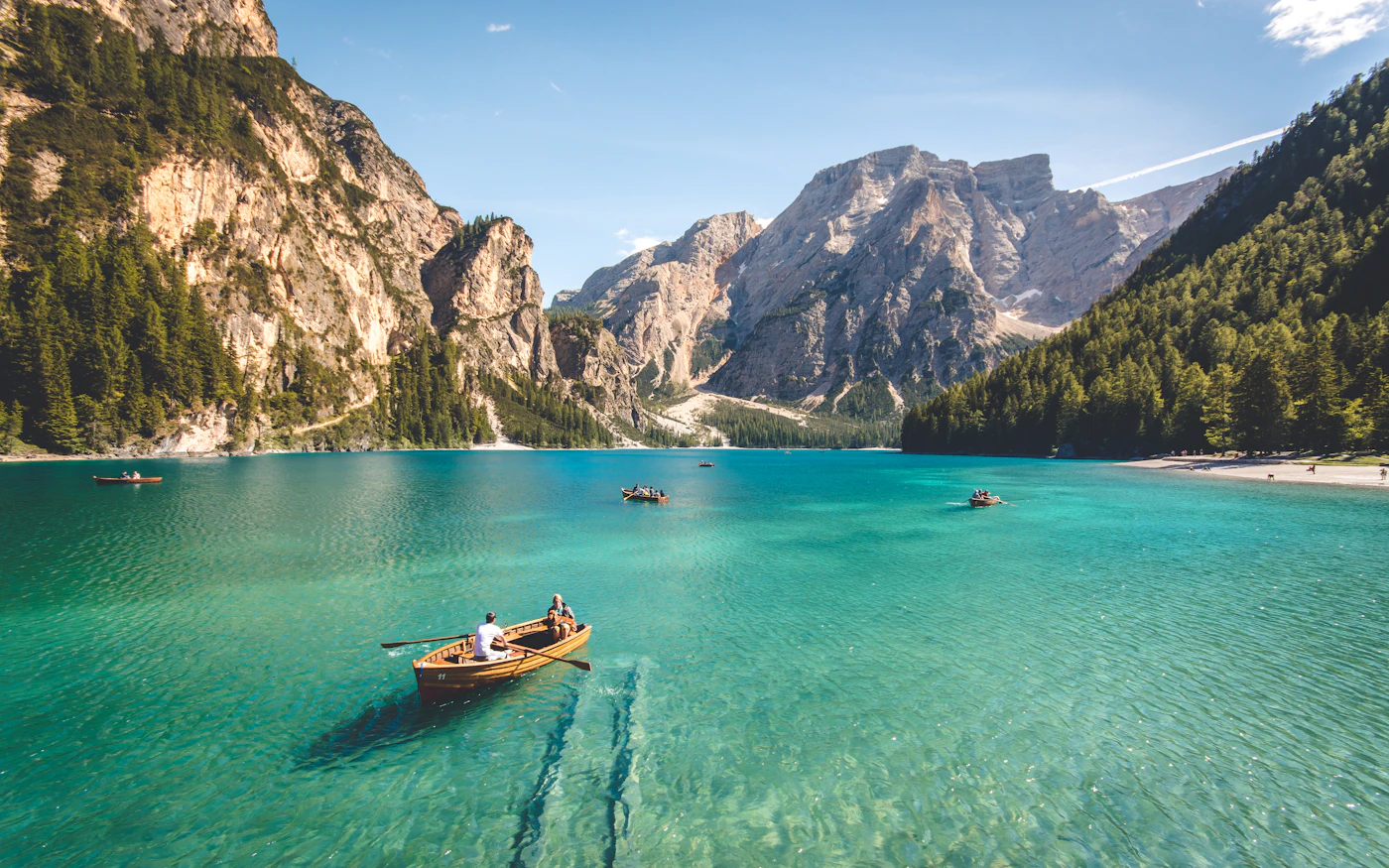
Use standard Markdown image syntax for most content images.
```md
```

Always write meaningful alt text for content images. If an image is purely
decorative, keep the alt text empty.
```md

```
## Local Images
Use root-relative paths for images in `public/`.
```md

```
Use imported images when the project wants Astro's asset pipeline.
```mdx
import screenshot from '../../../../assets/screenshot.png';
```
## Image Galleries
When a paragraph contains only images, Lotus converts that paragraph into a
horizontal image gallery with previous and next controls.
```md
```




The gallery transform only runs when the paragraph contains images and
whitespace. If text appears in the same paragraph, Lotus keeps it as normal
inline content.
## Figures
Use raw HTML when an image needs a caption.
```mdx
Captions can contain regular MDX text. MDX may wrap this content in a
paragraph, and Lotus styles that case correctly.
```
Captions can contain regular MDX text. MDX may wrap this content in a
paragraph, and Lotus styles that case correctly.
## Raw HTML Images
Use raw `` when you need attributes that Markdown syntax does not expose.
```mdx
```
Lotus styles raw images the same way it styles Markdown images.
## Iframe Embeds
Users can write raw iframes directly in MDX. Lotus applies prose spacing,
border, radius, and responsive sizing.
```mdx
```
Video embeds from YouTube and Vimeo are rendered responsively with a `16 / 9`
aspect ratio.
```mdx
```
## Styling Behavior
Lotus prose applies these defaults:
- Images, videos, and iframes inherit the prose radius.
- Images and iframes never exceed the content column width.
- Image-only paragraphs are converted into `.pl-image-gallery`.
- Multi-image galleries use horizontal scroll snap with overlay controls.
- Gallery items calculate a shared height from image ratios and available width.
- Multi-image galleries show the current image plus a preview of the next image.
- `figcaption` uses muted text and handles nested paragraphs.

 ```
Lotus styles raw images the same way it styles Markdown images.
## Iframe Embeds
Users can write raw iframes directly in MDX. Lotus applies prose spacing,
border, radius, and responsive sizing.
```mdx
```
Video embeds from YouTube and Vimeo are rendered responsively with a `16 / 9`
aspect ratio.
```mdx
```
## Styling Behavior
Lotus prose applies these defaults:
- Images, videos, and iframes inherit the prose radius.
- Images and iframes never exceed the content column width.
- Image-only paragraphs are converted into `.pl-image-gallery`.
- Multi-image galleries use horizontal scroll snap with overlay controls.
- Gallery items calculate a shared height from image ratios and available width.
- Multi-image galleries show the current image plus a preview of the next image.
- `figcaption` uses muted text and handles nested paragraphs.
```
Lotus styles raw images the same way it styles Markdown images.
## Iframe Embeds
Users can write raw iframes directly in MDX. Lotus applies prose spacing,
border, radius, and responsive sizing.
```mdx
```
Video embeds from YouTube and Vimeo are rendered responsively with a `16 / 9`
aspect ratio.
```mdx
```
## Styling Behavior
Lotus prose applies these defaults:
- Images, videos, and iframes inherit the prose radius.
- Images and iframes never exceed the content column width.
- Image-only paragraphs are converted into `.pl-image-gallery`.
- Multi-image galleries use horizontal scroll snap with overlay controls.
- Gallery items calculate a shared height from image ratios and available width.
- Multi-image galleries show the current image plus a preview of the next image.
- `figcaption` uses muted text and handles nested paragraphs.